Private local conversion
Your JPG, PNG, or WebP image is decoded, converted, edited, and exported in your browser—not uploaded to CraftGrid.
Turn a photo, illustration, or logo into an editable symbol chart with DMC reference colors, floss estimates, and a printable multi-page PDF.
JPG, PNG, or WebP up to 15 MB. Your image stays in this browser.
One consistent chart
Crop around the subject, choose a stitch width and color limit, then generate the chart. A lower width gives a quicker, bolder project; a higher width preserves small faces, lettering, and edges but increases the stitch count. Start around 50–80 stitches wide, check the combined symbol preview, and correct distracting isolated colors in the editor before downloading.
Your JPG, PNG, or WebP image is decoded, converted, edited, and exported in your browser—not uploaded to CraftGrid.
Choose up to 32 colors from a 454-color community reference palette, with every shade assigned a unique chart symbol.
Paint, erase, pick, fill, replace, undo, and redo until the chart reads clearly and uses the colors you want.
Switch between color, symbol, and combined views with ten-stitch grid lines, center marks, and coordinates.
See stitch totals, dimensions for common Aida and linen counts, length estimates, skeins, and a 15% waste allowance.
Print paginated A4 or Letter charts, save image variants, export a floss list, or continue from a portable project file.
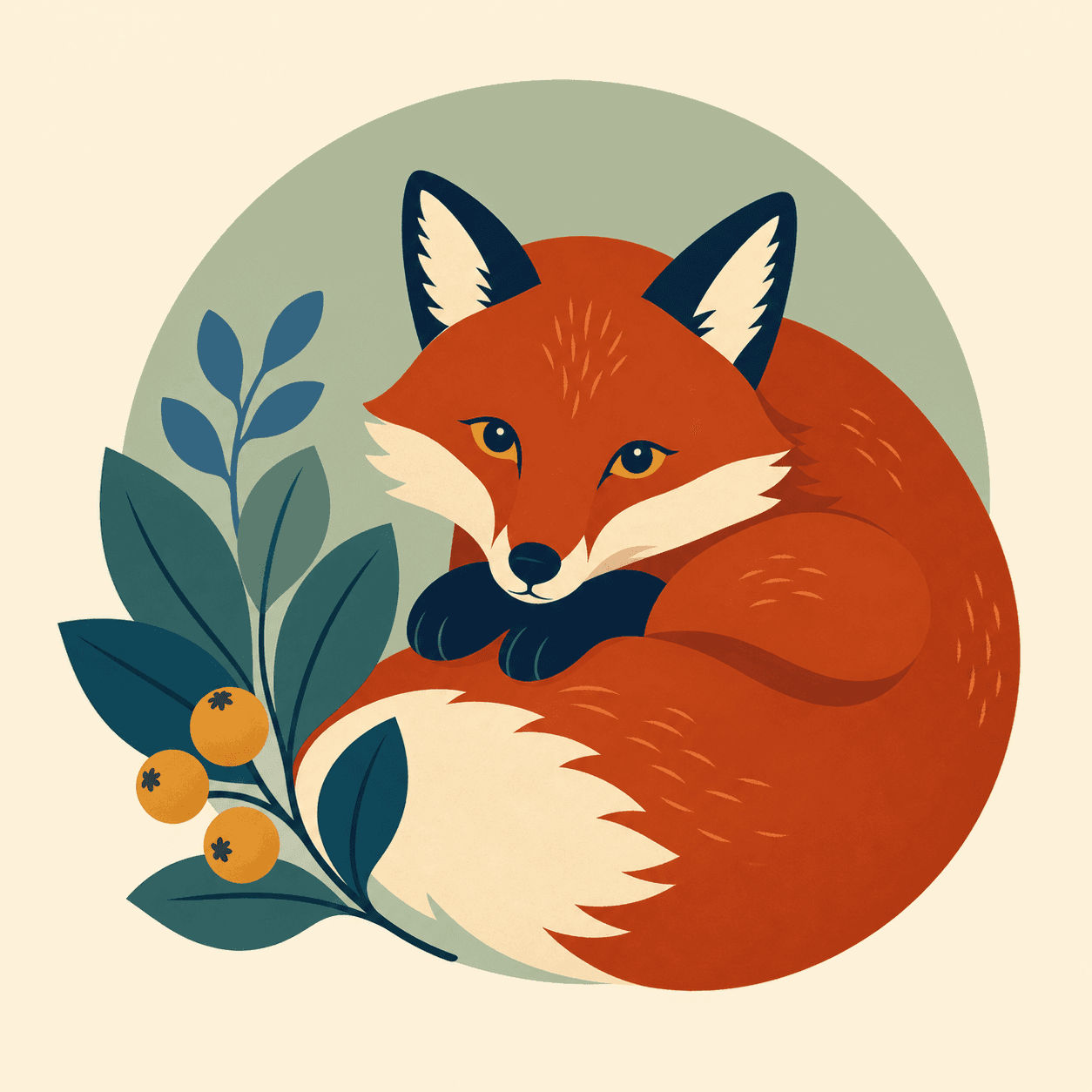
Source image
A square illustration with shading, background texture, and fine facial details.
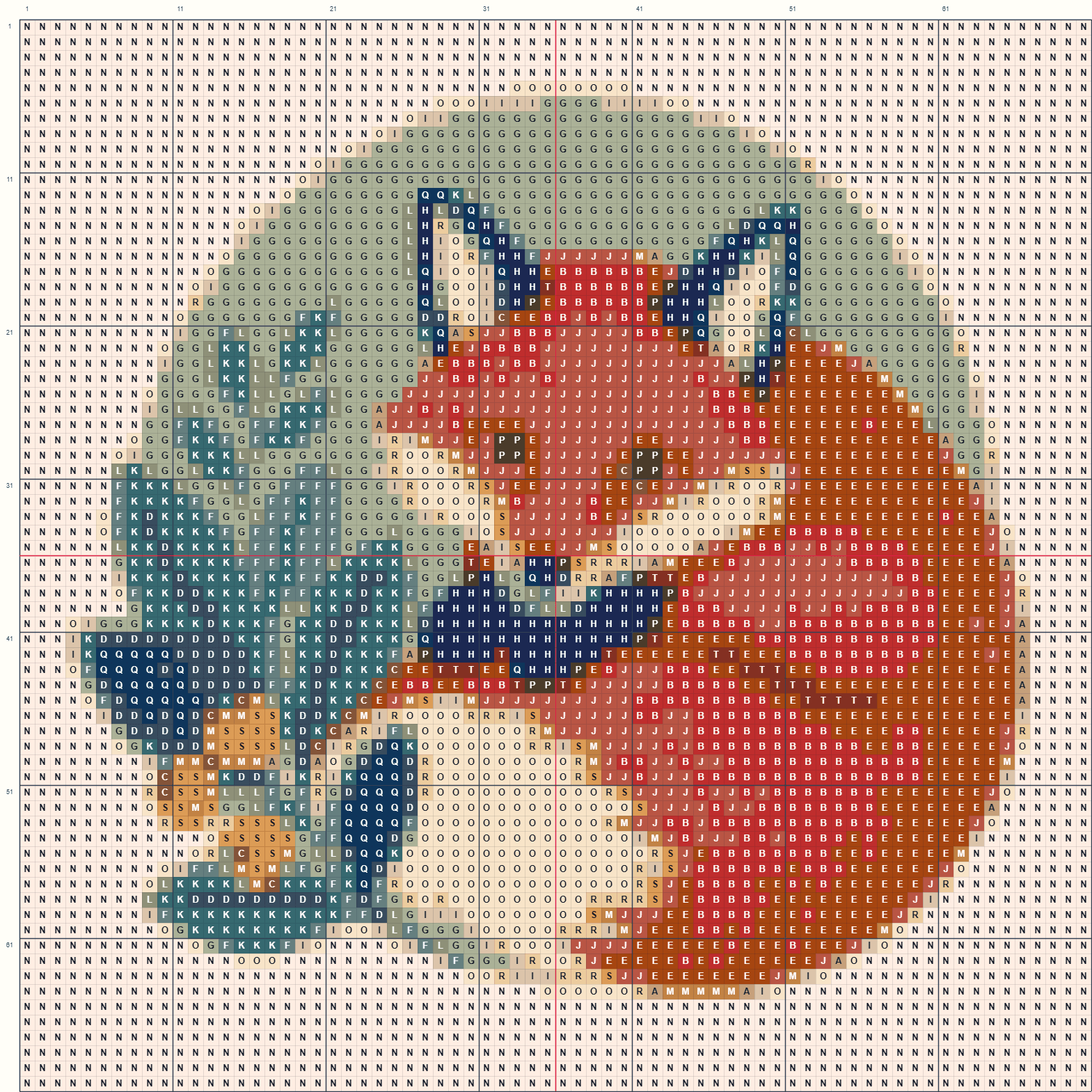
Actual 70 × 70 output
The real color-plus-symbol PNG generated by this page with 20 DMC reference colors.
Better first results
Crop first. Empty scenery still consumes chart space and makes the subject smaller. A close crop usually improves likeness more than adding dozens of colors.
Control confetti. Dithering can create smoother photographic shading, while turning it off produces cleaner regions that are easier to stitch. Reduce the maximum color count when many one-off stitches appear.
Check the physical plan. Fabric count changes finished dimensions, not the chart cells. Floss estimates assume an 8 m six-strand skein, scale usable length to your selected strand count, and add 15% for finishing and waste. They remain planning estimates because stitch tension, travel, starting method, and discarded tails vary.
Printable output
The PDF includes a project summary, color legend, stitched size, floss assumptions, calibration square, and paginated chart. Ten-stitch grid lines, red center marks, symbols, coordinates, and page cell ranges help you keep your place.
Use black-and-white symbols for economical printing or color plus symbols for faster visual scanning. Always print at 100% or “actual size” and measure the calibration square before relying on the page scale.
CraftGrid is independent and is not affiliated with DMC. DMC names and codes identify common thread references. The community RGB data is approximate and does not replace a physical color card.
Palette version sha256-15461b9d32c0 is generated from the fixed, MIT-licensed PaulMakesStuff community dataset. It contains 454 reference shades and is not presented as DMC’s complete current range or official measured color data.
More grid tools
Use the same image-to-grid workflow for physical fuse beads or a buildable Minecraft wall.
No. Image conversion and project storage happen in your browser. CraftGrid analytics do not receive your image, file name, chart cells, or project contents.
This first version creates full cross stitches only. Backstitch, half and quarter stitches, petite stitches, French knots, and blended threads are not included.
No. The tool uses a 454-color community-maintained DMC reference dataset. Codes and names help organize a shopping list, but screen RGB values are approximations. Compare important shades with physical thread cards before buying.
The result shows the stitched width and height for 11, 14, 16, or 18-count Aida and 28 or 32-count linen over two. Add the border required by your hoop, frame, finishing method, and personal preference before cutting.
The PDF is designed for printing and human reading. CraftGrid does not currently claim Pattern Keeper compatibility. Use its page ranges, coordinates, symbols, center lines, legend, and calibration square to stitch from paper or a PDF viewer.
Yes. The editor can paint or erase individual cells, flood-fill a connected area, replace a color everywhere, and undo or redo changes. Materials and every download use the final edited chart.